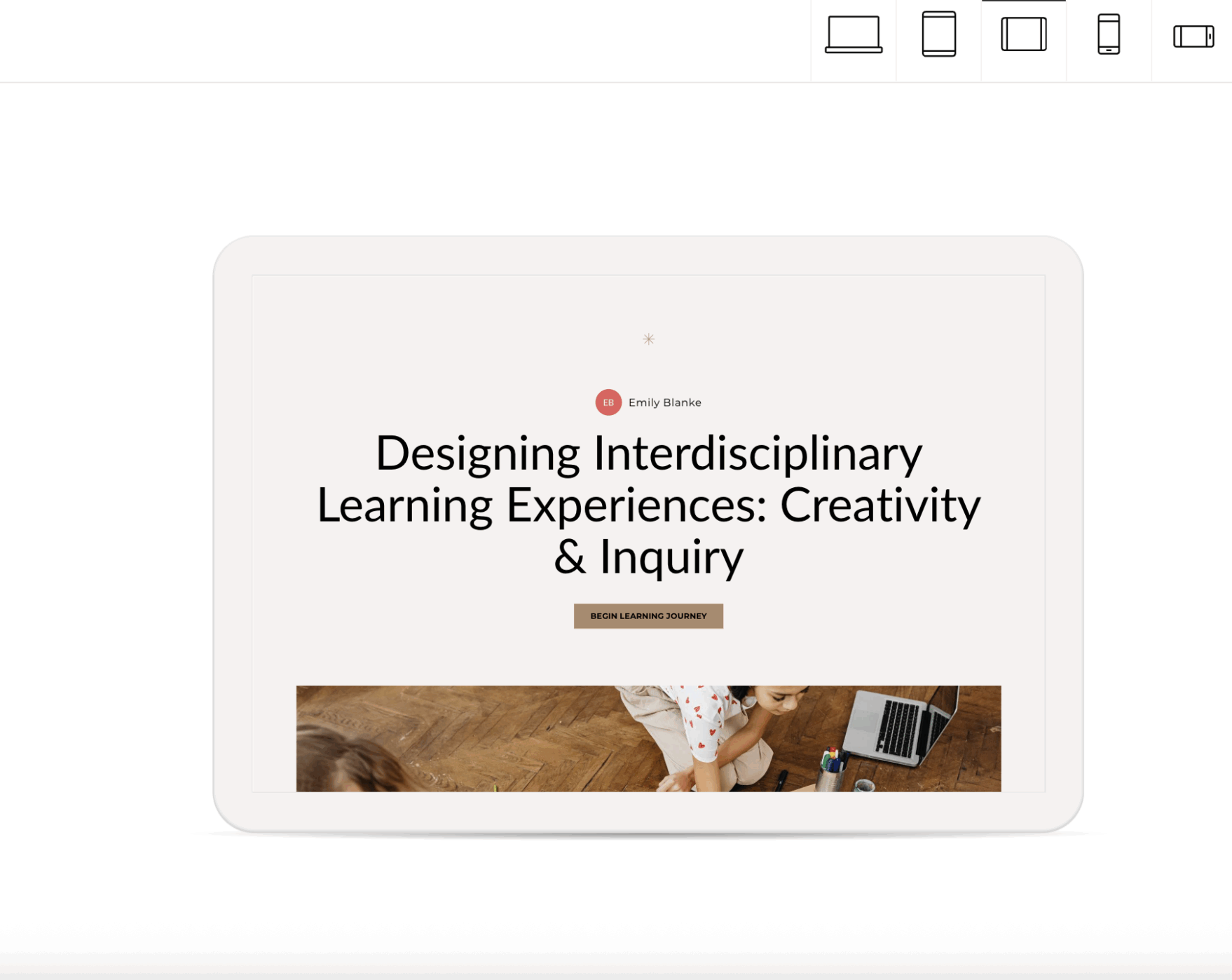
I created a partial eLearning storyboard for my Rise 360 course on Project-Based Learning. This storyboard serves as a blueprint for the first two lessons, detailing every block, interaction, script, and multimedia decision needed to transform the design into a functional, accessible course.
Designing Multimedia for Teacher Learning
I began transforming my instructional design work into a multimedia-rich, interactive professional learning experience for teachers. My focus was on designing interactive blocks and applying multimedia learning principles to build an engaging, teacher-friendly eLearning prototype in Rise 360.
Rise 360 Storyboard
Tools Used
- Google Docs
- Articulate Rise 360
- Canva
- Microsoft Word / PDFs from earlier modules
📝 Final Reflection
Creating this storyboard helped me think like a designer, developer, and teacher all at once. I had to visualize the learner journey, anticipate cognitive load and interactions, and document every detail clearly enough that someone else could build the entire course without asking follow-up questions.