Category: Portfolio

  • Differentiation When We Are Not That Different

    Differentiation When We Are Not That Different

    Stop differentiating by taste. Start differentiating by what actually matters.

    We have more ways to teach than ever, and somehow we still fall for the same myths. Do students really need to be matched to a “visual” or “auditory” style? Not according to the evidence. I’m Emily Blanke: elementary teacher, ESL-endorsed educator, and a Learning Design and Technology student at the University of San Diego. In this post, I’ll give you practical definitions, classroom-ready theory, and two myths to ditch today.

    What is learning?

    What do I mean by learning? Think of it like this: you try something, you get better at it, and you can do or explain it later. Doing an activity isn’t the same as learning. The real test is whether performance changes over time. So when I plan a lesson, I don’t plan activities for activity’s sake, I plan for measurable change.

    Lovett et al. give a helpful definition of learning. Learning is an active process that produces lasting changes in knowledge, skill, beliefs, and/or attitudes. Designing for learning means choosing methods that reliably produce that change rather than trusting that an activity alone will do the work (Lovett et al., 2023).

    How we understand learning according to major theories

    Cognitive Lens: This perspective treats learners as information processors with limited working memory. Key principles that come from this work are that cognitive load matters and that novices benefit from worked examples and chunking. For novices, worked examples are like recipe cards: they show the steps and the why, so a learner can reproduce the dish before improvising.

    Break tasks into smaller steps and remove extra sources of load so learners can focus on the core elements. Over time, fade support and move toward independent problem solving as more schemas develop (Lovett et al., 2023; Shuell, 2013).

    Social Cognitive Lens: Psychologists like Albert Bandura and other social cognitive thinkers emphasize learning from models and the role of self-efficacy. People learn by watching others and by forming beliefs about what their actions will produce. Self-efficacy comes from experiences, observing others, credible feedback, and managing emotions (Denler, Wolters, & Benzon, 2010).

    Sociocultural Lens: Sociocultural theories (Vygotsky) frame learning as socially and individually interdependent. The Zone of Proximal Development (ZPD) tells us to design tasks that learners can accomplish with support and to fade scaffolds as competence grows. Scaffolding is like training wheels. Early on, the wheels keep the bike upright. Over time, you remove them so the rider learns balance. Tools can mediate thinking and distribute cognitive work across people and other artifacts (Scott & Palincsar, 2012).

    Language is a primary cultural tool, and literacy practices are social ones. In my classroom experience and in the research, many foundational literacy skills learned in one language support learning in another language. Skills like phonological awareness, decoding strategies, and metacognitive reading habits can transfer across languages. Especially when instruction makes those skills explicit and when teachers attend to cultural differences in texts and in discourse (Brown & Lee, 2025).

    Debunking two common myths

    Myth 1: Learning Styles
    The idea that instruction must match a student’s preferred style to be effective is very popular. The evidence is not. Style surveys are often unreliable, and self-reported preferences do not always coordinate with the cognitive demands of a task. Crucially, the key test that matching instruction to style improves learning is missing.

    Kirschner and van Merriënboer conclude that focusing on preferences can distract teachers from the real factors of learning and can even encourage unproductive strategies. Picking instruction by ‘learning style’ is a bit like choosing shoes by color, not fit. Preferences are fine, but what actually gets you up the hill is the right fit for the task(Kirschner & van Merriënboer, 2013).

    What to do instead: Diagnose prior knowledge and the real cognitive demands of tasks. For novices, use worked examples, scaffolds, and guided practice. For more experienced learners, design problems that require transfer and strategy selection. Differentiate by what learners know and can do, not by what they say they prefer.

    Myth 2: Digital Natives and Multitasking
    It is easy to assume that students who grow up with devices are naturally skilled at using them for learning. However, research warns against that assumption. Heavy media use does not equate to strategic digital literacy. People do not multitask in the way we imagine. What looks like multitasking is often rapid switching between tasks, and that switching actually undermines deep learning. Kirschner and van Merriënboer urge designers to teach digital skills explicitly and not to assume fluency.

    What to do instead: Teach search strategies, source evaluation, and disciplined research habits. Create assignments that focus on one clear cognitive target and scaffold information analysis. Model digital research and provide rubrics for quality.

    Why evidence based design matters

    Theories aren’t recipes. They are explanations that point to procedure. When a method works, we should ask which tool produced the effect so we can generalize the result. Evidence-based design uses theory to justify instructional moves and uses clear measures to tell whether those moves produced real learning.

    Speaking of measures… Measure process as well as product. Ask: not only can a student perform a task, but can they also use the strategies that will transfer to new contexts? This is the kind of evidence that supports sound design and helps avoid fads.

    A concise teacher checklist

    • Start with a quick diagnostic of prior knowledge.
    • Begin new skills with a worked example and a think-aloud.
    • Provide scaffolded practice with timely feedback so learners experience success.
    • Teach self regulation routines like goal setting monitoring and reflection.
    • Use peer exemplars for learning.
    • Make the purpose and learning targets explicit.
    • Fade supports as competence grows.
    • Measure both confidence and skill.

    A note on Differentiation

    Differentiation isn’t a promise to match instruction to every self-reported preference. Differentiation is a process of matching instruction to real differences in prior knowledge, strategy, skill, and access to tools. Those are the differences that matter. When we design for those differences, we get better outcomes, and we use our time more effectively.

    An invitation

    If you are a teacher or an educational leader, please pivot differentiation toward prior knowledge and strategy instruction. Test new ideas in measurable ways. Keep your eye on student outcomes and on the mechanism you think produced them. When something works, ask why and use that knowledge to refine your design.

    References

    Brown, H. D., & Lee, H. (2025). Sociocultural Theory and Additional Language Learning. In Principles of Language Learning and Teaching (7th ed., pp. 178–199). Routledge.

    Denler, H., Wolters, C. & Benzon, M. (2010). Social cognitive theory. In Anderman, E. M. & Anderman, L. H. (Eds.), Psychology of classroom learning: An encyclopedia. The Gale Group, Inc.
    Kirschner, P. A., & van Merriënboer, J. J. G. (2013). Do learners really know best? Urban legends in education. Educational Psychologist, 48(3), 169–183.

    Lovett, M. C., Bridges, M. W., DiPietro, M., Ambrose, S. A., & Norman, M. K. (2023). How learning works: 8 research-based principles for smart teaching (2nd ed.). John Wiley & Sons, Inc.

    Scott, S., Palincsar, A. (2012). Sociocultural theory. In Anderman, E. M. & Anderman, L. H. (Eds.), Psychology of classroom learning: An encyclopedia. The Gale Group, Inc.
    Shuell, T. J. (2013). Theories of learning. In Anderman, E. M. & Anderman, L. H. (Eds.), Psychology of classroom learning: An encyclopedia. The Gale Group, Inc.
  • Rise 360 eLearning Prototype

    Rise 360 eLearning Prototype

    Live Preview

    Rise360 eLearning Prototype_Blanke

    Project Description

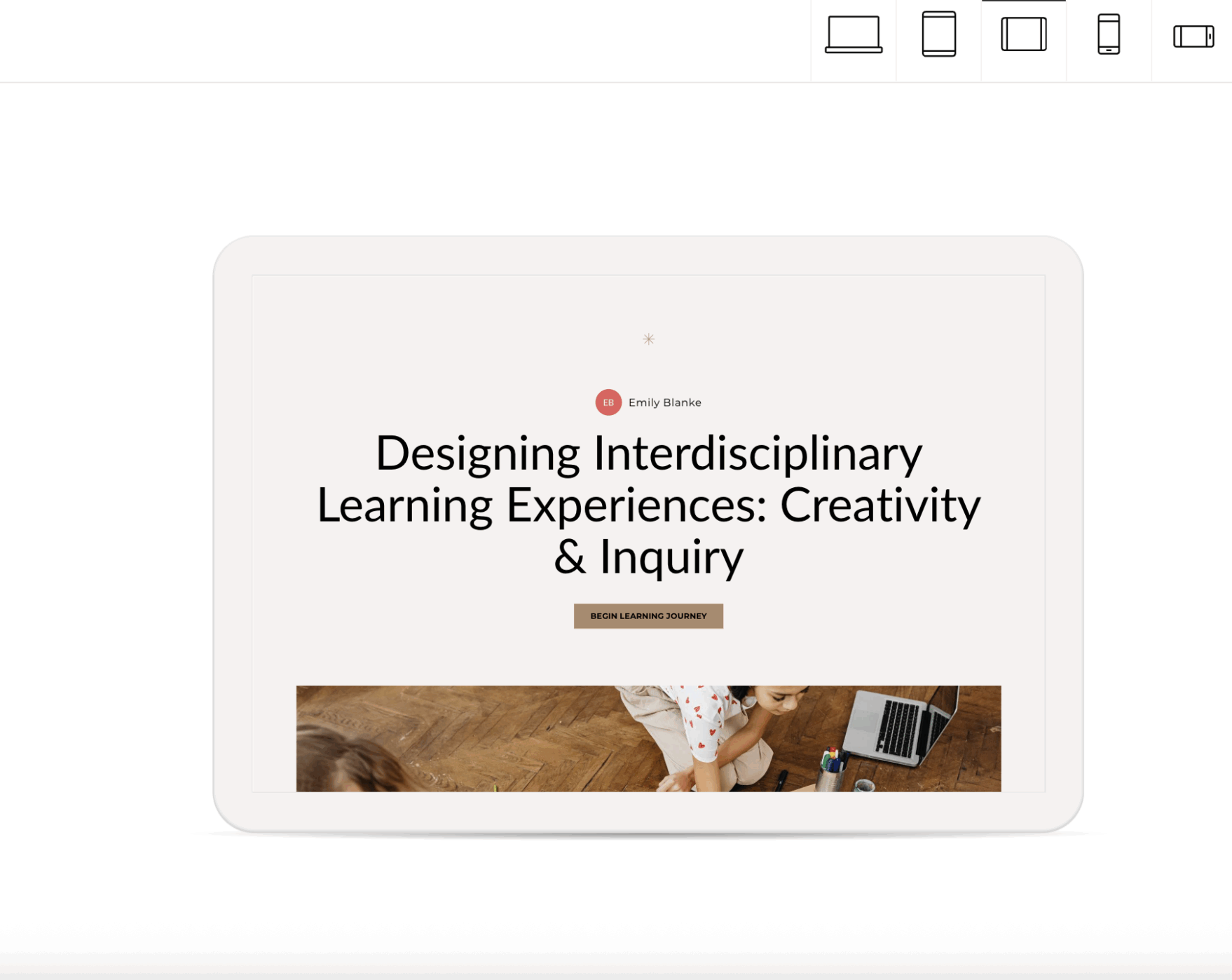
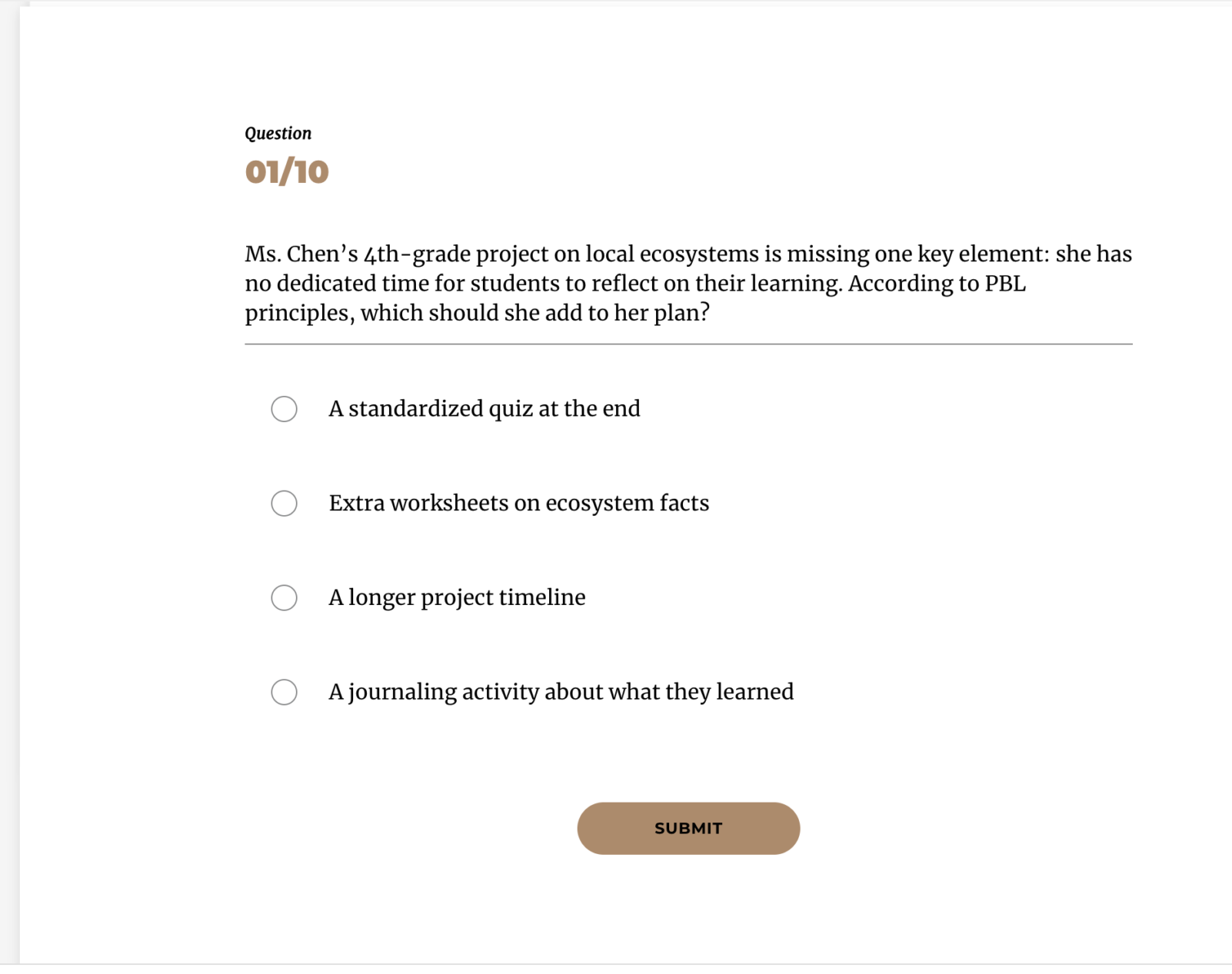
    Project title: Designing Interdisciplinary Learning Experiences: Creativity & Inquiry

    Type: Multi-lesson eLearning course (6 modules)

    Target audience: K–5 teachers (or any educators) looking to design engaging, interdisciplinary, inquiry-based projects

    Tools / Platform: Articulate Rise 360, Google Workspace, Canva, external resources from PBLWorks and Edutopia

    My role: Instructional designer — analysis, design, storyboard writing, content development, assessment design, interactive activity design

    Overview

    This project is a six-lesson eLearning module designed as a prototype to teach educators how to create and facilitate authentic, interdisciplinary project-based learning (PBL) experiences. The module guides users through: defining project elements, aligning curriculum standards to student-facing objectives, creating assessments and rubrics, integrating technology and AI for formative checks, and planning implementation, reflection, and public products. The course includes interactive matching/sorting activities, knowledge checks with feedback, downloadable tools (standards-mapping template, at-a-glance infographic, implementation checklist), and a polished final summary.

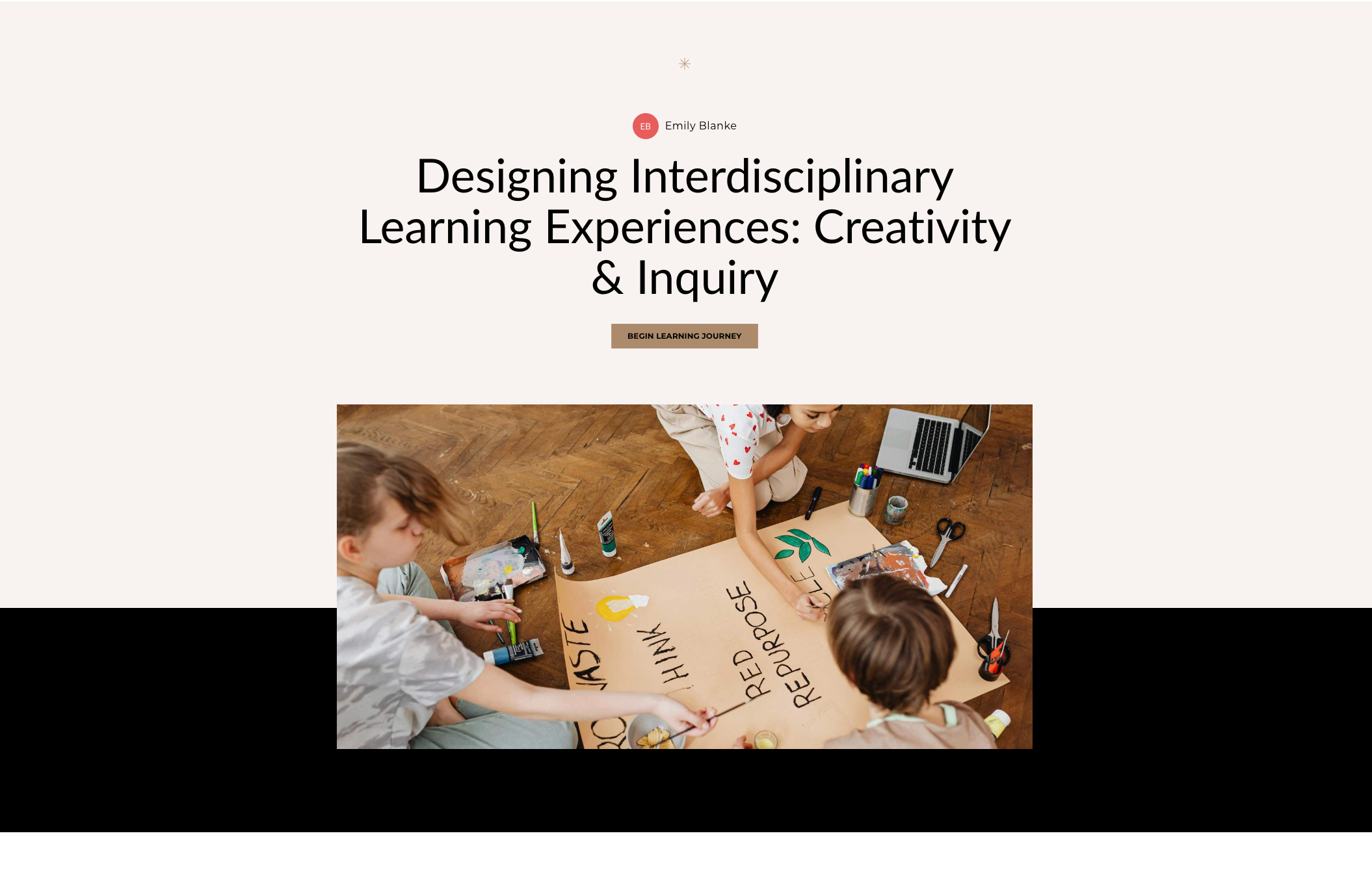
  • Standards → Objective → Evidence: Job Aid for K–5 PBL Planning

    Standards → Objective → Evidence: Job Aid for K–5 PBL Planning

    Overview

    This job aid was developed to support K–5 teachers designing interdisciplinary project-based learning (PBL) units. This concise resource provides a “just-in-time” reference to help teachers choose an appropriate grade-level standard, convert it into a student-facing measurable objective, and identify the evidence that demonstrates mastery.

    Context & Integration

    This artifact was integrated into my Rise 360 module, Lesson 2: Standards Alignment & Task Design, as a performance-support attachment. It accompanies a hands-on activity in which teachers practice aligning three real standards using a template (separate from the job aid). The job aid provides quick reminders and decision rules without duplicating the template.

  • eLearning Assessment Blocks

    eLearning Assessment Blocks

    Overview

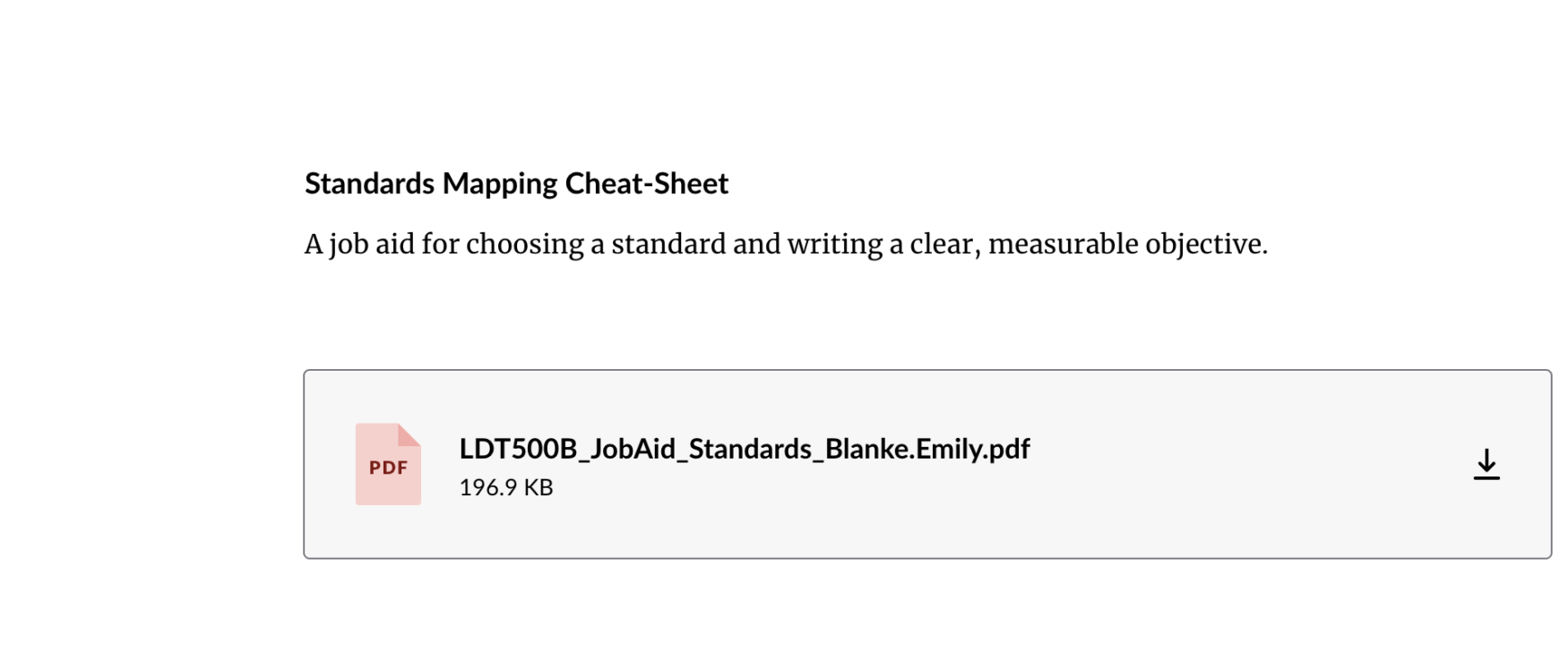
    I created a low-stakes formative check (end of Module 5: Technology, AI & Formative Checks) and a 10-question summative assessment for my Rise 360 prototype. The formative activity helps teachers practice ethical and effective uses of technology and AI for quick checks (tool-purpose alignment, privacy, and actionable feedback) with immediate instructive feedback. The summative covers core course topics and demonstrates achievement of the course outcomes.

    Artifacts

    Formative Assessment — Module 5 (Rise 360)

    Summative Assessment — Final Quiz (Rise 360)

  • Scenario-Based eLearning

    Scenario-Based eLearning

    Context and Audience

    I designed two scenario-based eLearning interactions in Rise 360 to help K–5 teachers practice standards alignment (LO2) and plan feasible 5-day Project-Based Learning (PBL) projects (LO3). Each scenario uses a different interaction type selected to mirror how teachers actually make planning decisions.

    Live Preview

    5.1 Scenario-Based eLearning_Blanke


    Scenario 1: Standards-to-Objectives Alignment (LO2)

    Interaction Type: Problem-Solving with decision checks

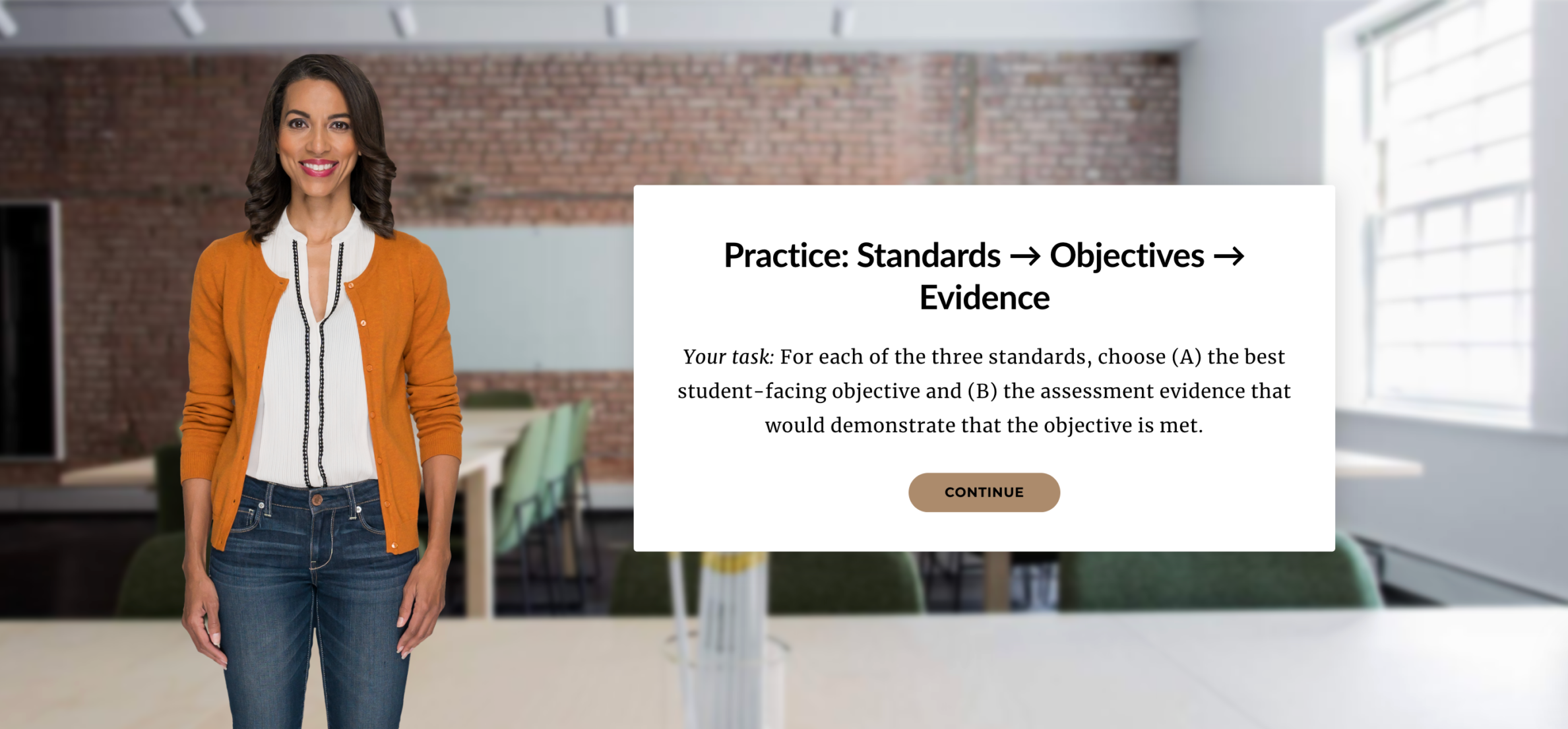
    This scenario gives teachers realistic classroom cases and asks them to choose appropriate standards, write a single-verb objective, and select matching evidence. I used a Problem-Solving approach because standards alignment is inherently analytical. Teachers must interpret context, evaluate options, and apply rules. The embedded decision checks keep the interaction focused and job-relevant without requiring a full branching build.


    Scenario 2: Designing a 5-Day Project Prototype (LO3)

    Interaction Type: Decision-Point → Guided Authoring

    In this scenario, teachers help “Elena,” a 4th-grade teacher, refine an overly craft-heavy project idea into a rigorous learning experience. Teachers walk through decisions about reframing the task, selecting standards, and tightening rubric criteria. The Decision-Point approach fits because project design requires evaluating tradeoffs: fun ideas vs. measurable outcomes.


    Tools Used

    Rise 360, Google Docs (PD_Project_Plan_Template), Google Drive (resource storage)

  • Storyline 360 Sandbox — Branching SEL Scenarios

    Storyline 360 Sandbox — Branching SEL Scenarios

    I built a Storyline 360 sandbox with branching scenarios and practice activities that model teacher responses to students’ emotional needs. It includes freeform sorting and graded questions.

    Live Preview

    Context and Audience

    I developed a Storyline 360 file that mirrors the Rise 360 content while adding practice-rich interactions. The simulation lets teachers practice decision-making with conditional feedback that adapts to their choices.

    Tools Used

    • Storyline 360
    • Storyline Content Library
    • Canva
    • Google Drive

    Reflection Highlights

    Storyline required more time but enabled realistic practice through branching and conditional feedback. It is ideal when the learning objective demands rehearsal of interpersonal skills such as check-ins and referral decision-making.

  • Rise 360 Sandbox — Building SEL Excellence

    Rise 360 Sandbox — Building SEL Excellence

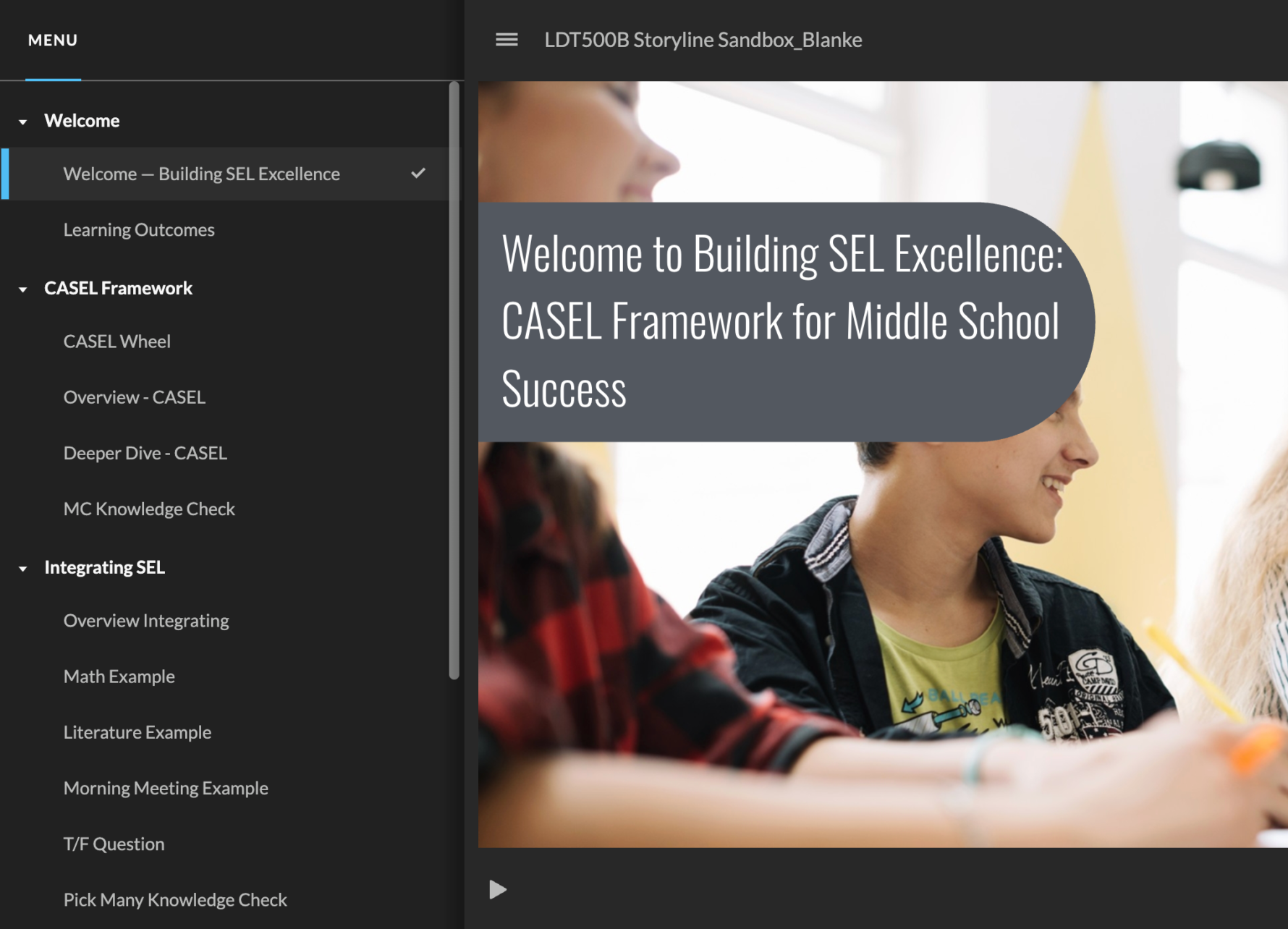
    I created a Rise 360 learning module that teaches the five CASEL competencies, practical classroom strategies, and how to recognize and respond to student emotional needs.

    Live Preview

    Context and Audience

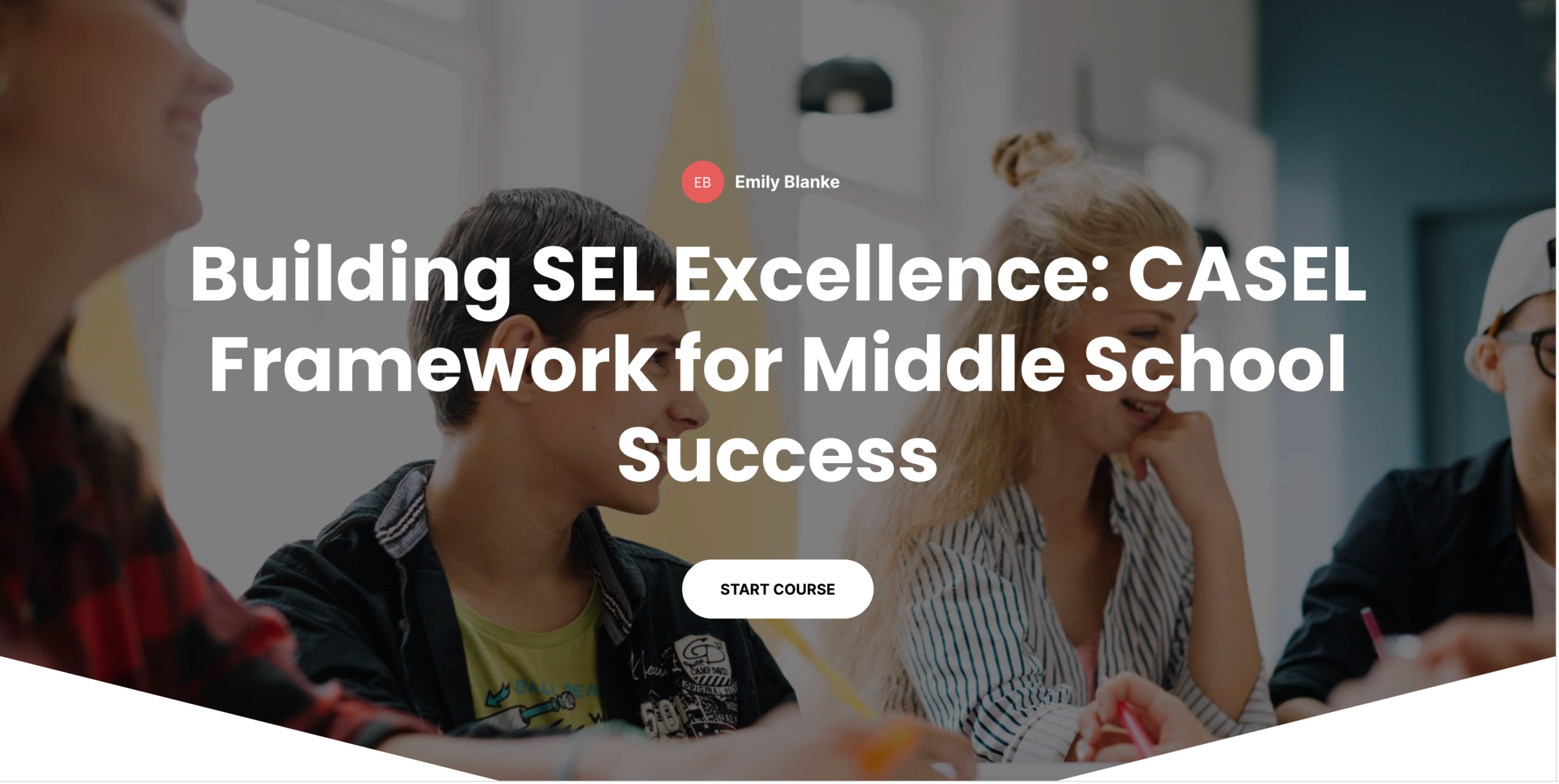
    This Rise 360 sandbox module, “Building SEL Excellence: CASEL Framework for Middle School Success,” was created for practicing middle school teachers. The module focuses on three learning outcomes: explain the five CASEL competencies, implement daily SEL practices integrated with academics, and recognize and respond to student emotional needs.

    The module is organized into four topical sections with an interactive CASEL wheel and embedded formative checks. Its purpose is quick professional learning for busy middle school teachers that is mobile-friendly and mastery-oriented.

    Tools Used

    • Rise 360
    • Canva for CASEL wheel and color palette
    • FreePik
    • Google Drive

    Assessment Approach

    Five knowledge checks are distributed across the module. Rise contains formative in-lesson checks (matching, multiple choice, multiple response, true/false, and sequence). For the sandbox I implemented Storyline for the graded set, but Rise’s in-context checks are ideal for mastery and quick teacher reflection.

    Reflection Highlights

    Rise 360 was fast to assemble and excellent for delivering mastery-oriented learning that is mobile-friendly and easy for busy teachers to access. The platform encourages consistency and helps reduce extraneous processing, which fits the goals of my teacher training module.

  • Rise 360 Storyboard

    Rise 360 Storyboard

    I created a partial eLearning storyboard for my Rise 360 course on Project-Based Learning. This storyboard serves as a blueprint for the first two lessons, detailing every block, interaction, script, and multimedia decision needed to transform the design into a functional, accessible course.

    Designing Multimedia for Teacher Learning

    I began transforming my instructional design work into a multimedia-rich, interactive professional learning experience for teachers. My focus was on designing interactive blocks and applying multimedia learning principles to build an engaging, teacher-friendly eLearning prototype in Rise 360.

    Rise 360 Storyboard

    Tools Used

    • Google Docs
    • Articulate Rise 360
    • Canva
    • Microsoft Word / PDFs from earlier modules

    📝 Final Reflection

    Creating this storyboard helped me think like a designer, developer, and teacher all at once. I had to visualize the learner journey, anticipate cognitive load and interactions, and document every detail clearly enough that someone else could build the entire course without asking follow-up questions.

  • Rise 360 Style Guide

    Rise 360 Style Guide

    I created a complete style guide that can be handed off to a developer to build the Rise theme. It includes:

    • Color palette (hex values) with WCAG contrast guidance
    • Typography hierarchy (fonts, sizes, spacing, case rules)
    • UI element specs (button shapes, states, progress indicators)
    • Image/illustration rules and alt-text guidance
    • Accessibility checklist and Storyline integration notes

    Purpose: to provide a single source of truth that guarantees visual and interaction consistency across the full course.

    Tools Used: Rise 360 Theme Customization template, Articulate resources, Canva.